
Business Email Setup & Security
Professional branded emails with DKIM, SPF, and DMARC anti-spoofing security.
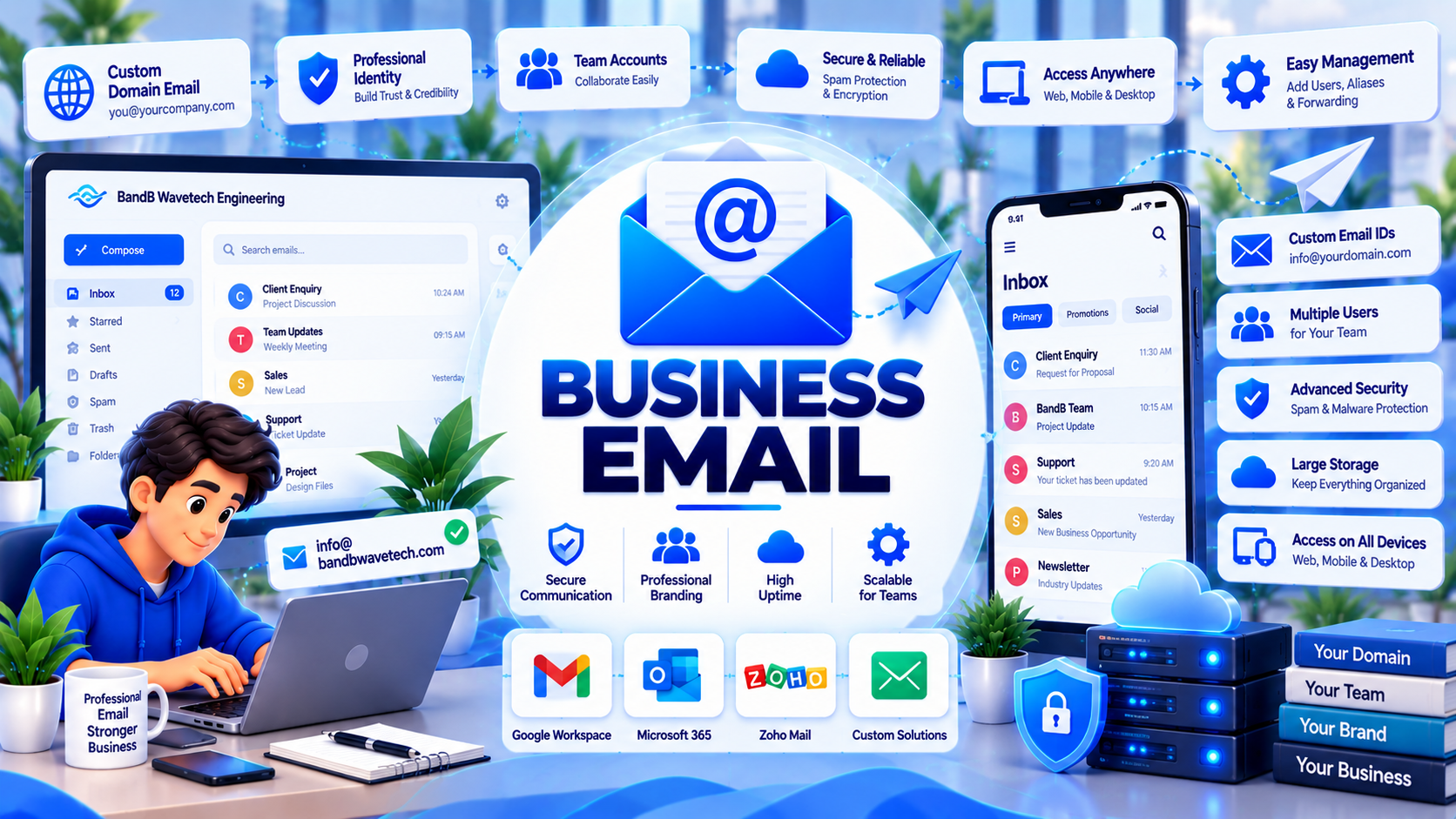
Architected for Business Impact & Long-Term Reliability
Look professional and ensure your messages land directly in the inbox. We set up Google Workspace or Microsoft 365 suites under your own company domain, configured with SPF, DKIM, and DMARC records to guarantee 100% deliverability.
One-time setup fee + official per-user cloud license. Guaranteed delivery milestone timeline: 1 to 2 Days.
Sending business proposals from personal @gmail.com or @yahoo.com addresses undermines your corporate reputation. Worse, cheaply hosted cPanel emails frequently end up in recipients' spam folders due to missing authentication records.
B&B Wavetech provisions enterprise business email suites through Google Workspace or Microsoft 365. We implement strict DNS authentication protocols—SPF, DKIM 2048-bit keys, and DMARC quarantine policies.
Our setup protects your domain from email spoofing, guarantees primary inbox delivery for sales quotations, and equips your staff with professional branded email signatures.
Comprehensive Package Deliverables
Every engineering deployment includes rigorous testing, source code handover, and production documentation.
Google Workspace / M365 Provisioning
Official corporate suite setup under your domain with personalized mailboxes (e.g. name@yourcompany.com).
SPF, DKIM & DMARC Authentication
Cryptographic email authentication headers that prevent domain spoofing and guarantee primary inbox placement.
Seamless Mailbox Data Migration
Transfer old emails, folders, and contact directories from legacy webmail or personal accounts with zero data loss.
Departmental Shared Inboxes & Aliases
Configure shared email routing (e.g. sales@, info@, billing@) distributing inquiries to team members without extra costs.
Branded HTML Email Signatures
Clickable, elegant email signatures featuring your company logo, contact numbers, and verified social links.
Anti-Spam & Phishing Defense Policies
Advanced threat protection filtering out phishing scams, spoofed attachments, and malicious ransomware links.
Architecture & Security Specifications
Cryptographic Email Protocols
- DKIM (DomainKeys Identified Mail) with 2048-bit asymmetric RSA key pairs
- SPF (Sender Policy Framework) validating authorized outbound mail server IPs
- DMARC (Domain-based Message Authentication) with automated XML aggregate reports
Client & Mobile Configuration
- Seamless sync across Gmail apps, Microsoft Outlook, Apple Mail, and mobile devices
- Exchange ActiveSync and IMAP over SSL/TLS for real-time mobile push
- Centralized Google / Microsoft admin console with remote device wipe capability
Storage & Collaboration
- 30 GB to 2 TB cloud storage per user on Google Drive / Microsoft OneDrive
- Integrated Google Meet / Microsoft Teams for high-definition video conferencing
- Shared team calendars and collaborative document editing tools
Modern Technologies Powering This Service
5-Step Structured Delivery Pipeline
Requirements & User List Intake
Collect user names, desired mailbox addresses, and departmental alias requirements.
Tenant Setup & Domain Ownership
Verify domain ownership in Google Workspace / M365 and configure user accounts.
MX & Cryptographic DNS Setup
Update MX records and generate 2048-bit DKIM keys, SPF rules, and DMARC monitoring headers.
Signatures, Migration & Device Setup
Install HTML signatures, migrate historical emails, and guide staff on phone/Outlook setup.
Why Forward-Thinking Businesses Choose Wavetech
Frequently Asked Questions About This Service
Complementary Engineering Services
Ready to Deploy Business Email?
Speak directly with our technical team. We analyze your requirements, provide architectural recommendations, and provide a fixed-scope milestone proposal.