
IT & Technical Support
Office network configuration, firewall setup, printer sharing, and remote IT assistance.
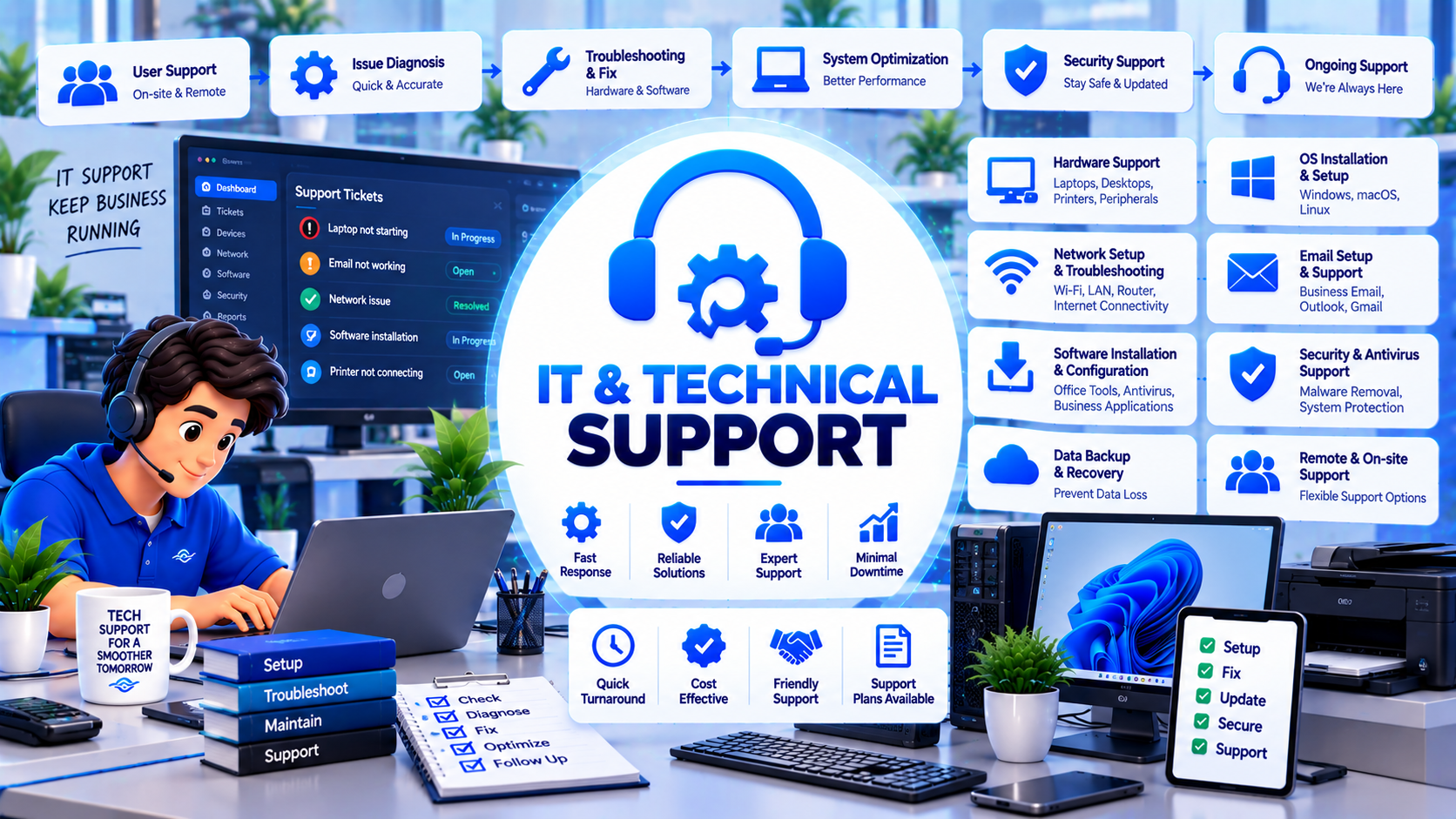
Architected for Business Impact & Long-Term Reliability
Keep your workplace operations smooth and uninterrupted. We provide complete technical assistance covering office Wi-Fi setup, managed gigabit switches, network attached storage (NAS), printer sharing, workstation setups, and rapid remote desktop troubleshooting.
Pay-as-you-go incident support or monthly office IT retainers. Guaranteed delivery milestone timeline: On-Demand / Retainer.
Printer dropouts, intermittent Wi-Fi, forgotten passwords, and network slowdowns bring office productivity to a standstill. Hiring a full-time, salaried in-house IT manager is cost-prohibitive for most small-to-medium businesses.
B&B Wavetech delivers expert on-demand and retained IT support. We design resilient office LAN networks, configure secure guest Wi-Fi, set up network-attached storage (NAS) for centralized file sharing, and troubleshoot workstation problems instantly via remote desktop.
Our team acts as your virtual IT department, ensuring your staff have dependable technology that simply works.
Comprehensive Package Deliverables
Every engineering deployment includes rigorous testing, source code handover, and production documentation.
Office Network & Wi-Fi Architecture
Design and deployment of business-grade Wi-Fi 6 mesh access points and managed gigabit switches with zero dead zones.
Network-Attached Storage (NAS) Setup
Centralized file server setup (Synology / QNAP) with RAID data redundancy and departmental folder permissions.
Network Printer & Scanner Sharing
Configure multi-function office printers to print and scan reliably across Windows, Mac, and mobile devices.
Rapid Remote Desktop Helpdesk
Immediate remote assistance via secure screen sharing to resolve software glitches, driver conflicts, and email issues.
Dual-WAN Internet Failover
Automatic router failover switching between primary fiber and backup internet if a provider experiences an outage.
Firewall & Secure Remote Work VPN
Configure WireGuard / OpenVPN tunnels allowing remote staff to securely access office servers from anywhere.
Architecture & Security Specifications
Network Engineering
- VLAN network segmentation separating office workstations, IP cameras, and guest Wi-Fi
- Bandwidth throttling and QoS prioritization for voice and video conference calls
- Dual-WAN multi-homing with automated DNS failover monitoring
Centralized File Storage (NAS)
- RAID 1 / RAID 5 disk redundancy protecting against hard drive failure
- Automated snapshot versioning safeguarding against ransomware encryption
- Encrypted offsite replication to cloud storage
Remote Support Protocol
- TLS 1.3 encrypted remote desktop sessions requiring end-user authorization
- Zero permanent backdoors; sessions terminate completely upon disconnect
- Incident ticket tracking with resolution audit logs
Modern Technologies Powering This Service
5-Step Structured Delivery Pipeline
Office Network Walkthrough & Site Survey
Inspect cable runs, measure Wi-Fi signal attenuation, count connected devices, and review pain points.
Network Design & Hardware Procurement
Select optimal router positions, calculate bandwidth requirements, and procure access points and switches.
Cabling, Switch & Router Configuration
Configure VLANs, install access points, configure dual-WAN failover, and set up firewall rules.
Printer, NAS & Workstation Integration
Connect office printers, map network drive folders on all staff PCs, and verify permissions.
On-Demand Remote Helpdesk Handover
Provide direct helpdesk contact channels for staff, offering instant remote troubleshooting support.
Why Forward-Thinking Businesses Choose Wavetech
Frequently Asked Questions About This Service
Complementary Engineering Services
Ready to Deploy IT Support?
Speak directly with our technical team. We analyze your requirements, provide architectural recommendations, and provide a fixed-scope milestone proposal.